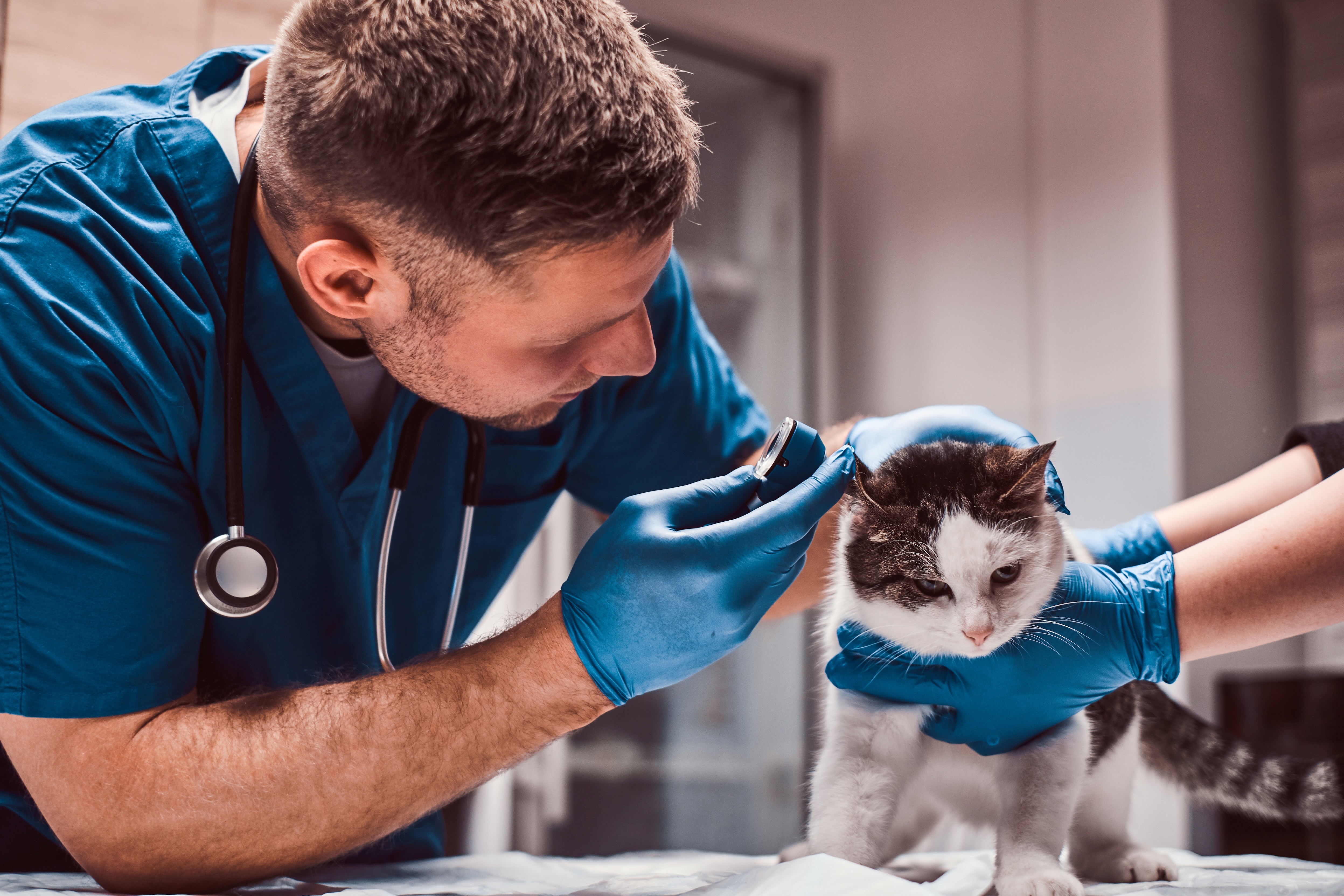
Are you a team member in a veterinary practice?
Are you a pet parent planning a trip with your furry pal?
Documentation Unity for Pet Travel: A Practical Guide
You've probably seen it, the family at the front desk with a travel date looming, one printout in hand, three emails on their phone, and a dog who'd rather be asleep under the bench. The rabies certificate says one thing, the destination checklist says another, and somebody just realized the USDA endorsement window closed yesterday. That's how a normal day turns into a scramble, not because anyone's careless, but because the paperwork is living in too many places at once.
In a veterinary practice, documentation unity is the habit of bringing every travel record, update, and requirement into one shared, trusted place. It sounds tidy, but the actual payoff is calmer handoffs, fewer repeat calls, and less last-minute detective work for everyone involved. For clinics handling pet travel, that kind of order isn't fancy, it's a relief for the whole pack.
When Pet Travel Paperwork Goes Off the Leash
The trouble usually starts in a small way. A receptionist opens an old email thread. A technician checks a scanned form on a shared drive. The veterinarian relies on a note in the chart. None of those sources is wrong on its own, but together they don't always tell the same story.
A family shows up expecting the final paperwork to be ready. The chart has the rabies date, but the microchip number is sitting in a different file. The destination rules are saved as a PDF from last month. By the time someone pieces it all together, the endorsement window may be gone, and now everybody gets to have a very un-fur-gettable afternoon.
Practical rule: if three people need the same travel answer, they should not have to search three different places for it.
That's where documentation unity changes the tone of the day. Instead of treating papers like loose scraps, the clinic works from one shared record for the pet's travel journey. The team can see what's done, what's missing, and what still needs a signature without asking around or rechecking the same files over and over.
For a simple example of how scattered records create gaps, see this helpful piece on documentation gaps. The pattern is familiar in clinics that juggle busy schedules, but it doesn't have to stay that way.
The calm alternative is not about perfection. It's about making sure the right people can find the right version fast, before the flight, before the deadline, and before the client has to make a second trip across town.
What Documentation Unity Actually Means
Think of documentation unity as the difference between one clearly labeled binder for a traveling pet and a pile of loose pages spread across desks, inboxes, and scanners. One binder may still have lots of paper, but at least everybody knows where to look. That's the whole game.
One source of truth
A unified workflow gives each pet one main home for travel records. That doesn't mean every document has to live in the same file format, it means the team knows which record is current and where the latest version sits. If the rabies certificate was updated this morning, nobody should be working from yesterday's copy.
Shared standards
The second piece is consistency. Names, dates, labels, and file types all need the same logic so people can search and sort without guessing. A clinic that names records one way in the front office and another way in the back office ends up creating little piles of confusion.
Synchronized updates
The third piece is timing. When one staff member updates a record, the owner and the rest of the team should see that change without delay. That keeps everyone aligned on the same status and cuts down on duplicate messages, double-checking, and awkward “wait, hasn't that already been sent?” moments.
Unity's own product documentation shows why shared language matters at scale. It standardizes terms like DAU and MAU across markets and reports over 1.3 million monthly active users of the Unity Editor, which is a good reminder that unified terminology reduces confusion when lots of people need the same definitions at once. That idea transfers neatly to pet travel, where one label can mean the difference between a smooth handoff and a tailspin.
For a practical framework on keeping documentation organized in the first place, the guide on how to document is a useful companion. The main point stays simple. If everyone sees the same status, everyone works faster and with less guessing.
Why Unified Records Improve Compliance and Client Care
Most travel mistakes don't come from one dramatic failure. They come from small misses that stack up. A booster date sits in one note, the microchip number lives in another, and a lab result is filed under the wrong pet because the filenames never matched.
Unified records close those gaps by putting the destination checklist, the pet profile, and the supporting documents in one place. That means the staff member who starts the file, the technician who updates it, and the veterinarian who signs it are all looking at the same picture. No one has to rebuild the story from memory.
A fragmented workflow makes the team chase details. A unified one lets the team confirm details. That difference shows up in the client experience too. Owners stop getting the same question three times from three different people, and they start getting one clear update that moves the case forward.
A clear record is kinder to the staff, but it's also kinder to the family. Less chasing, less waiting, fewer surprises.
The client side matters more than many clinics expect. When updates are consistent, families trust that someone is on top of the trip. When updates are scattered, even a well-run process can feel shaky from the outside.
That's why unified documentation is really a workflow habit, not a software slogan. It gives every team member the same trustworthy view of the journey, and it gives the owner a calmer experience from first call to final handoff. For a deeper look at the kinds of records clinics need to keep straight, veterinary record keeping requirements is a solid reference.
A Step-by-Step Pattern for Implementing Documentation Unity
Start with the mess you already have, not the system you wish you had. List the places where pet travel documents currently live. That may include a practice management note, a shared drive, an email inbox, a scan folder, and someone's desktop. Once you can see the sprawl, you can trim it.
Map the current path
Find every handoff the file goes through, from first client call to final submission. Who adds the rabies dates? Who checks the destination rule set? Who tells the client the next step? A travel file that changes hands five times needs a lot more structure than one that changes hands once.
Choose one home for each record type
Give each document type a main home. The pet profile goes here. The travel checklist goes there. The signed form lives in the same place every time. If your team has to debate where something belongs, that's a sign the home isn't clear enough yet.
Set naming rules and ownership
Naming rules should be boring in the best possible way. Use the same order every time, and assign one person or role to update each record type. When nobody owns the update, everybody assumes someone else did it. That's how important details slip away like a cat in a clean laundry pile.
Build checkpoints into the travel timeline
Match status checks to the actual timeline of the trip. Someone should review the file when the destination changes, when a document is added, and when the final submission is close. The work gets easier when the checkpoints are tied to real moments instead of vague reminders.
For a broader look at keeping records moving through their life cycle, the article on documentation life cycle fits well here. The safest move is to make the first change small, clear, and repeatable. That gives the team a win they can keep using.
Two Real-World Use Cases That Show the Difference
Bella, a Labrador headed to the EU, comes in with a family that has already done some homework. In a unified workflow, the clinic can open her travel record, check the rabies timing, confirm the microchip details, and see whether anything still needs attention without hunting through old messages. The family gets an answer quickly, and the staff doesn't have to stall while somebody looks for “the latest latest version.”
Mochi, a rescue cat, is a different story. Her family learns at the last minute that the destination is changing, which means the checklist has to be rechecked from scratch. In a scattered setup, the team might rebuild the file manually and risk missing something that belonged to the first destination but not the second.
With documentation unity, the clinic keeps the core pet record intact and reruns the destination requirements against that same file. That makes the change feel like a reroute, not a collapse. The cat still gets a chance to nap, which is the right goal for any cat-centered workflow.
These are ordinary clinic moments, not dramatic rescue scenes. The value comes from speed, clarity, and fewer “let me check on that” loops. When records stay unified, the team can focus on the pet in front of them instead of the paper trail behind them.
Shared Drives and Email Chains Versus Unified Documentation
Shared drives solve storage, but they don't solve awareness. A file can sit in the right folder and still be invisible to the person who needs it. Email chains are the opposite. They're quick, but the history gets buried fast, and nobody wants to scroll through twelve replies to find one attachment.
PDFs help with formality, especially when a client needs a clean handout. The weak spot is searchability and live status. Once a PDF is sent, it's often just a snapshot, not the working record.
Comparing Common Documentation Approaches in Pet Travel
Approach | Strength | Common Weakness | Best Fit |
|---|---|---|---|
Shared drives | Central storage | People still miss the latest version | Storing reference files |
Email chains | Fast back-and-forth | History gets tangled | Quick questions and alerts |
PDFs | Clean presentation | Hard to update and search | Final client-facing copies |
Unified documentation | One shared view | Needs clear setup | Travel workflows with many handoffs |
A useful companion to this comparison is team calendar setup best practices, because travel paperwork often falls apart at the same point schedules do, when nobody knows what's due next. The broader lesson is simple. You don't need to throw out familiar tools, you need to connect them so the team stops guessing where to look.
How Passpaw Brings Documentation Unity to Pet Travel
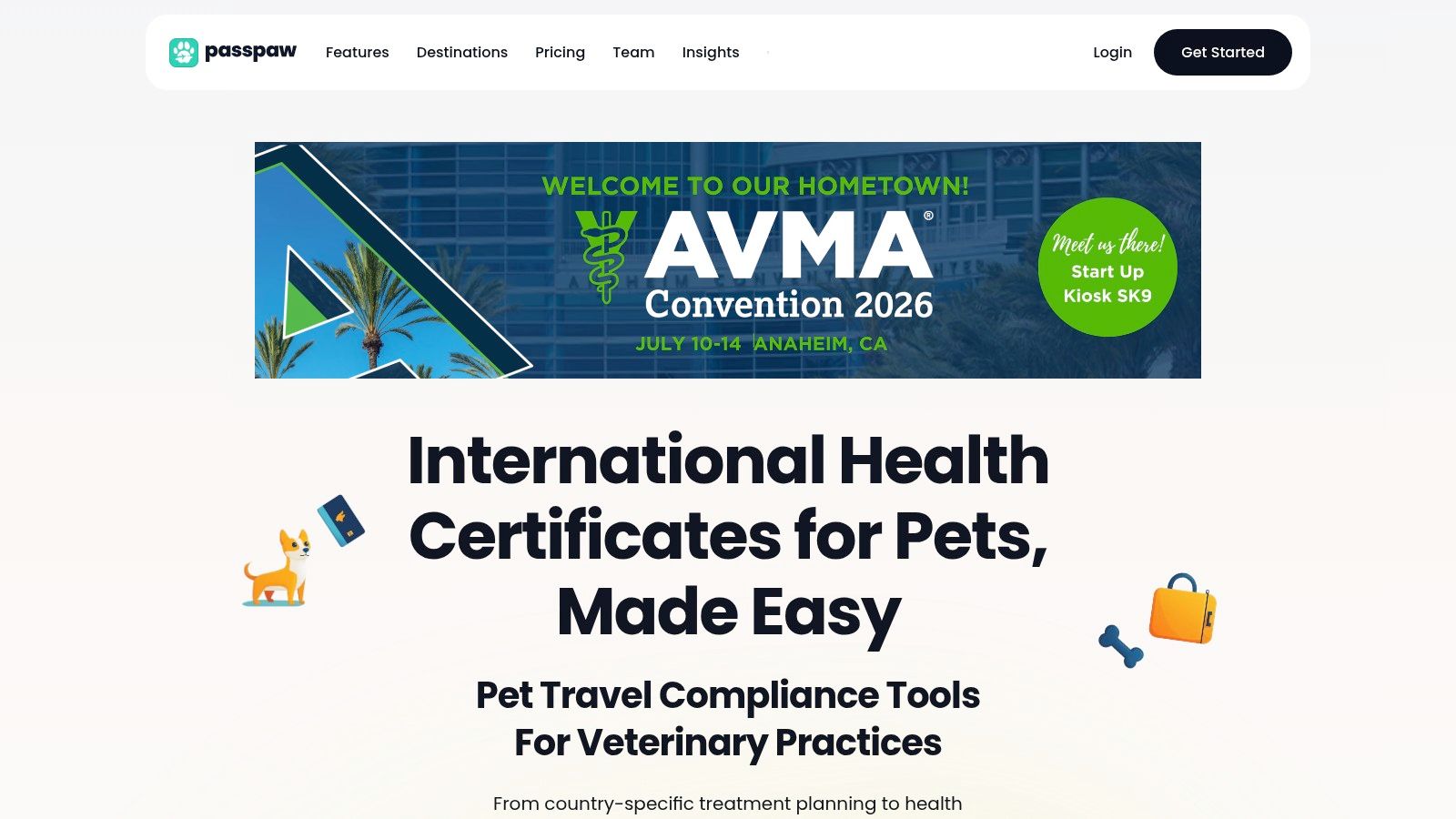
Passpaw turns the ideas above into one visible workflow by linking pet profiles, destination rules, and document tasks in the same place. That means the receptionist, technician, and veterinarian can all see the same status without asking for a fresh update. The work feels lighter because the next step is obvious.
Real-time document validation helps catch mismatches before they turn into repeat visits or last-minute fixes. Travel-date-based task prioritization keeps the most urgent steps at the top, which is especially helpful when multiple trips are moving at once. The result is less manual rework and fewer calls that start with, “Did we already send that?”
Practical insight: if a client message can answer a question once for the whole team, it's better than three separate replies that all say the same thing.
That same clarity also helps with outside communication. If your team wants a quick check on email setup before client updates go out, an SPF and DKIM checker is a useful place to start. It's one more way to keep messages from getting lost in the weeds.
Passpaw fits the documentation unity model because it keeps the working file, the task list, and the client-facing status in sync. That doesn't make the process magical. It just makes the workflow visible, which is often the part a busy clinic needs most.
Bringing It All Together and Starting This Week
Travel paperwork isn't just admin. It shapes how a family experiences your clinic, how your team handles pressure, and whether the whole process feels calm or chaotic. When the records are unified, the practice looks more organized because it is more organized.
The easiest way to start is with a short cleanup, not a full overhaul.
Pick one home for each document type. Decide where the pet profile, checklist, and final forms live.
Use one naming pattern. Keep dates, pet names, and file labels in the same order every time.
Assign one owner for each update. Someone has to be responsible when a record changes.
Set a shared status board. Make it obvious what's waiting, what's done, and what still needs review.
Tie checks to travel dates. Review the file at the moments that matter, not only when someone remembers.
That's enough to make the work feel less scattered and a lot less barky. Small steps add up fast when the whole team uses the same logic.
If your practice is ready to replace paper-chasing with one clear travel workflow, Passpaw helps teams keep pet profiles, destination rules, tasks, and client updates in sync. Visit Passpaw to see how a more unified approach can make pet travel feel calmer for your team and the families you serve.

More articles
From regulatory changes to best practices for veterinarians and pet owners, our resources keep you ahead of the curve.